



The process of setting up the organizational structure in the system is simple, but it is important to carry it out in an orderly manner so that it accurately reflects the organization’s hierarchy.
It is recommended to start from the senior units (for example: Management), and only then create the units subordinate to them.
Let’s take the structure of Niloosoft as an example:

Enter the system and select from the menu:
Organization → Units → New Unit
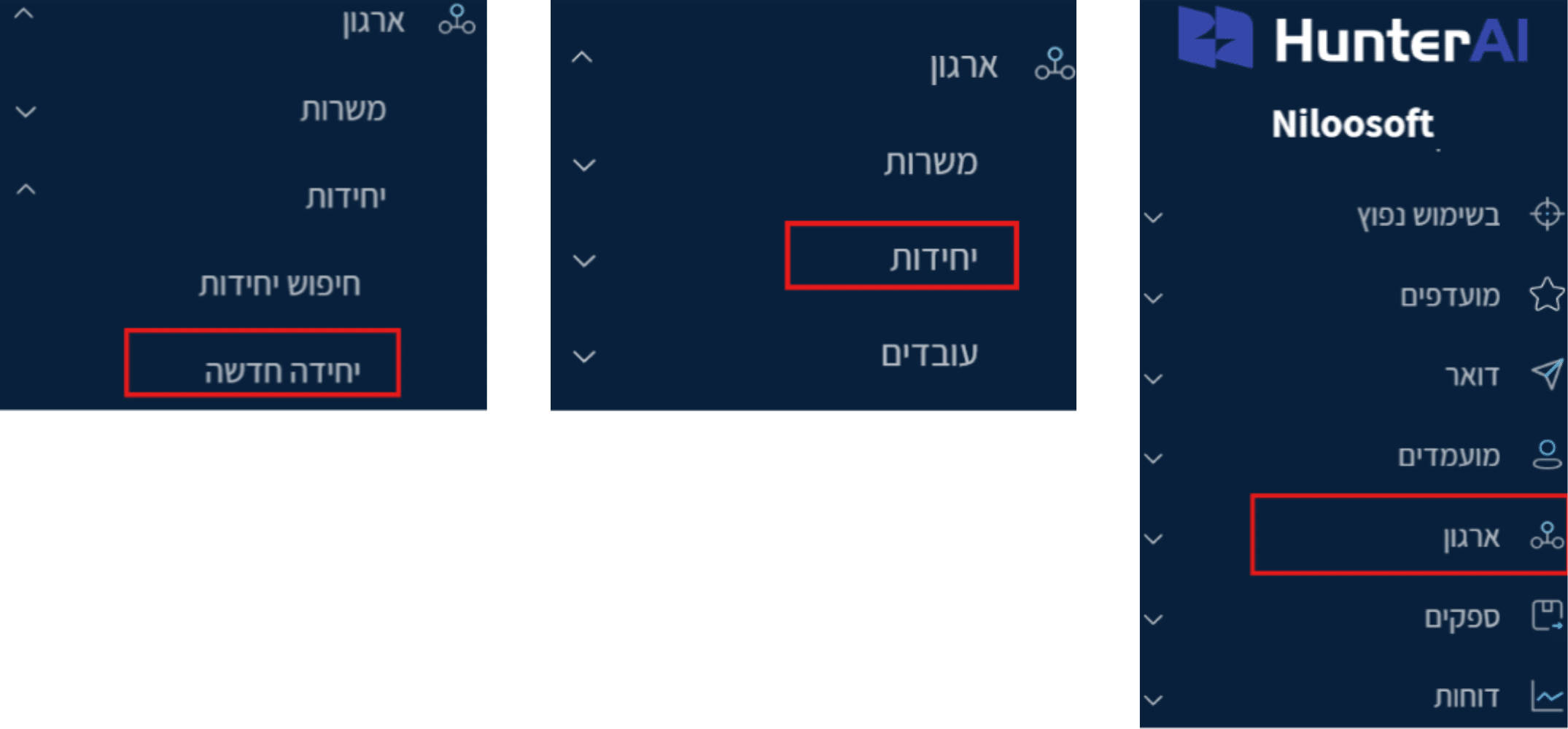
A new window will open to create a unit.
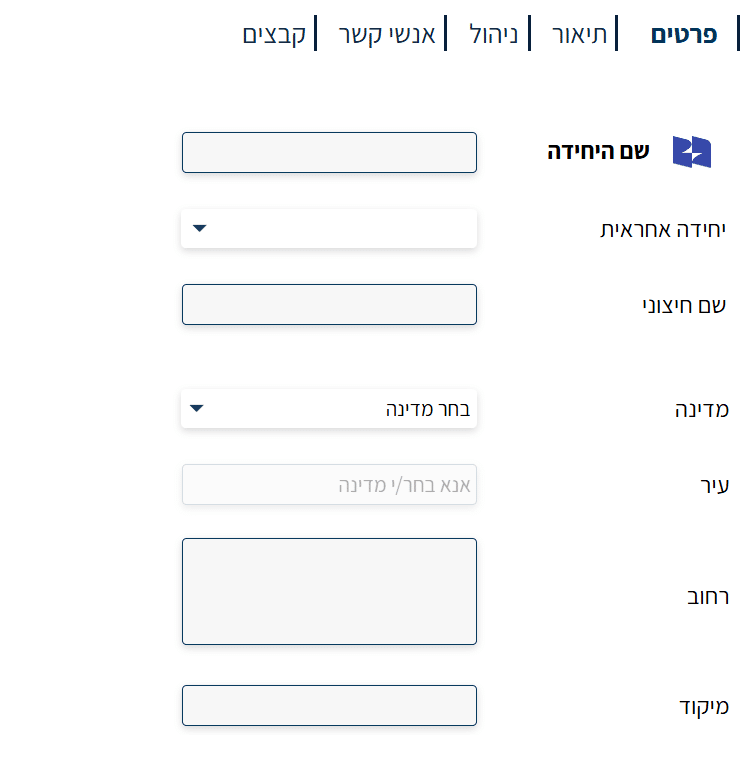
Fill in the unit details – for example: Niloosoft Management.
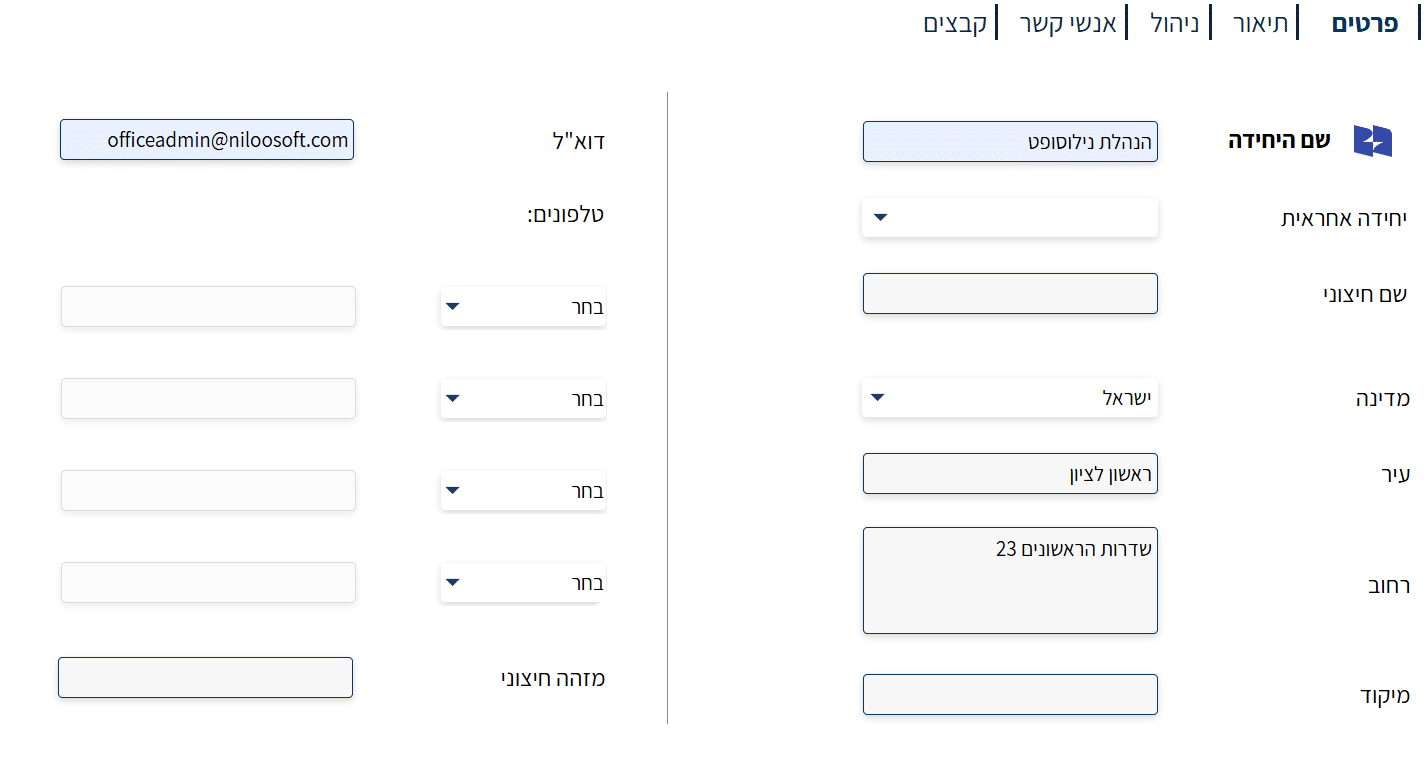
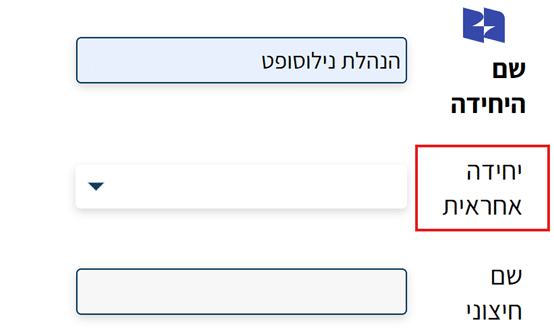
Note: Since this is a top-level unit, there is no need to fill in the “Responsible Unit” field, as there is no unit above it.
After clicking “Next”, the unit’s description page will open:
- Enter the company or unit website (if available).
- Add a short description of its role and area of responsibility.
- You can add tag words that will help the AI system identify and match suitable candidates when recruiting new employees to the unit.
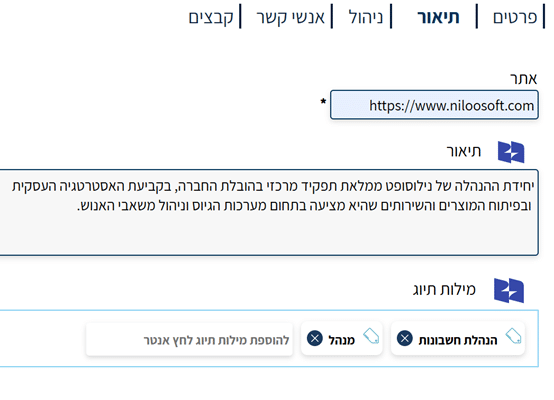
Clicking “Next” will take you to the management page –
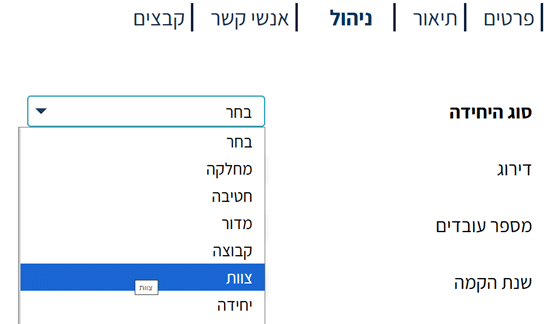
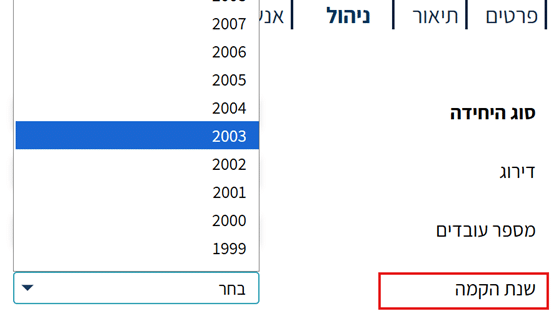
- Select the unit type (in our case, the Niloosoft management team)
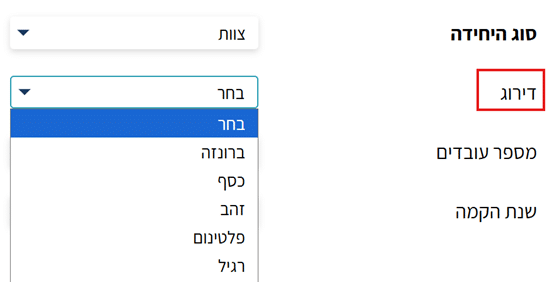
- You can then fill in the unit ranking (optional):
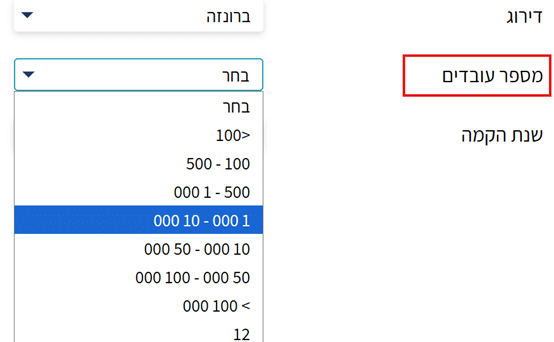
- Number of employees in the unit:
Year the unit was established:
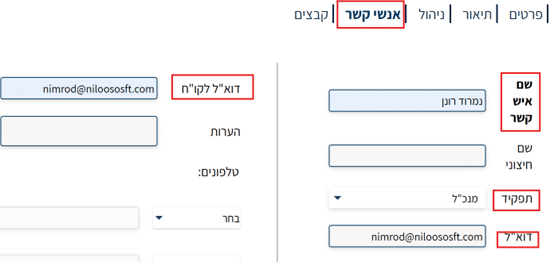
On the “Contacts” page, enter the contact details for the unit – for example: the company’s CEO.
You can add additional contacts as needed.
On the “Files” page, you can upload documents relevant to the unit, such as contracts, employment documents, invoices, and more: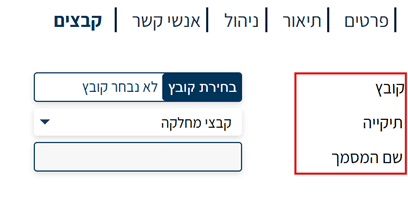
When the steps are complete, the unit card will open in the system:
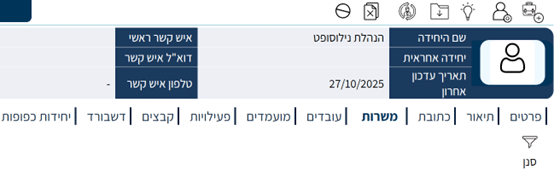
From here you can:
- Create employees and assign them to the unit.
(For further reading on this topic – see the article “How to Create a New Employee in the System”) - Add subordinate units to the main unit.
After adding all employees to the unit, you can create additional units that will be subordinate to it.
- Click the “Add Subordinate Units” button.
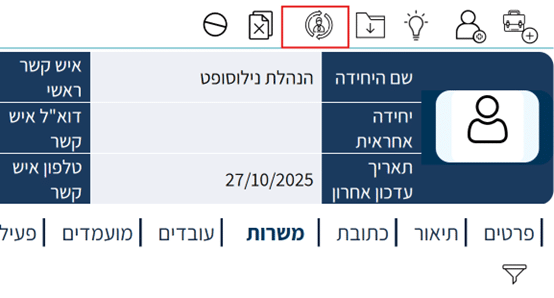
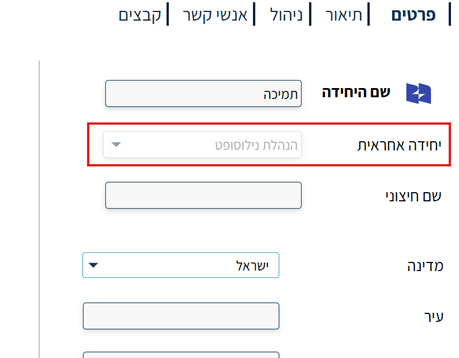
- A new unit card will open, with the “Responsible Unit” field filled in automatically
- Fill in the details as before (for example: Support Unit).
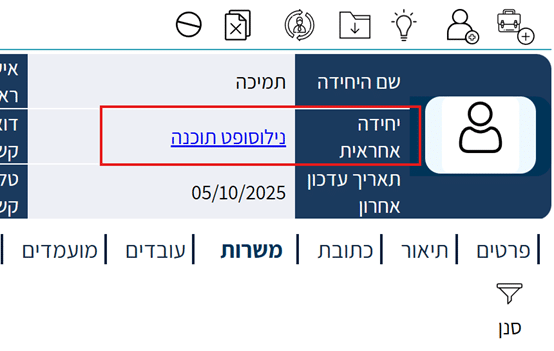
This is how you gradually build the entire organizational structure – from the top units down to the bottom ones.
You can then add the appropriate positions and employees to each unit.