



After logging in to the Hunter AI recruitment system, in the main menu – click on “Candidate” in the menu, then click on “My Candidates”. The candidate management screen will open:

You can now see all the candidates linked to you. You can view the status each candidate is at in the system by hovering over the status icon to the right of the candidate’s name — the system will display the description of that status:

You can see all the candidates assigned to you — the candidates are organized in a table and you can view all the details: the candidate’s full name, their location, email, mobile phone, the number of active positions they are currently in the application/screening process for, the number of positions they are at an advanced stage in, the date their CV was submitted, and their last update in the system. Most importantly — to keep everything organized and easy to work with — you can sort the candidates by any of the details by clicking on the column name. When you enter “My Candidates” — the candidates are sorted by last update date in descending order (meaning the most recently updated appear first).
For example, here is how you can sort by last update date:

Currently the order is from most recent (arrow pointing up), and if you click on “Last Update” — the order will change to oldest first (arrow pointing down):

In this way — you can sort by any of the details mentioned. This greatly simplifies the work and organization of candidates and helps ensure that no candidate is missed and that all are subject to up-to-date tracking.
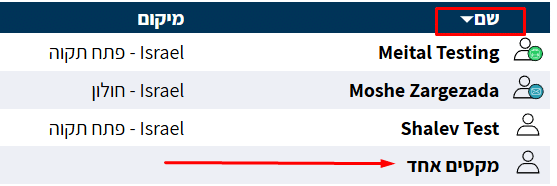
If you want to access a candidate’s card — click on their name to open the candidate card, where you can view and edit all their details:
After clicking the name, the candidate card will open: