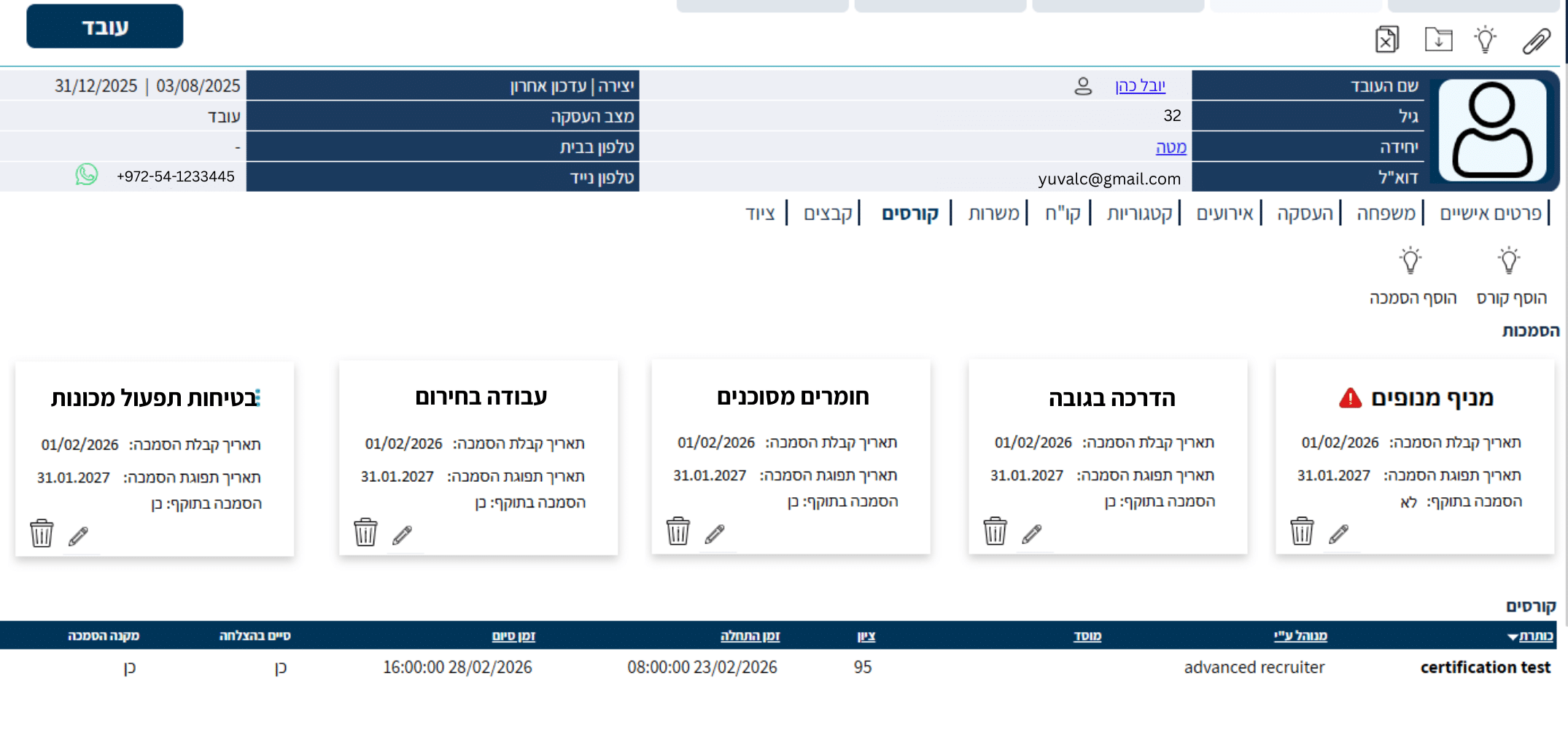



In the main menu of the Hunter AI employee management and recruitment system,
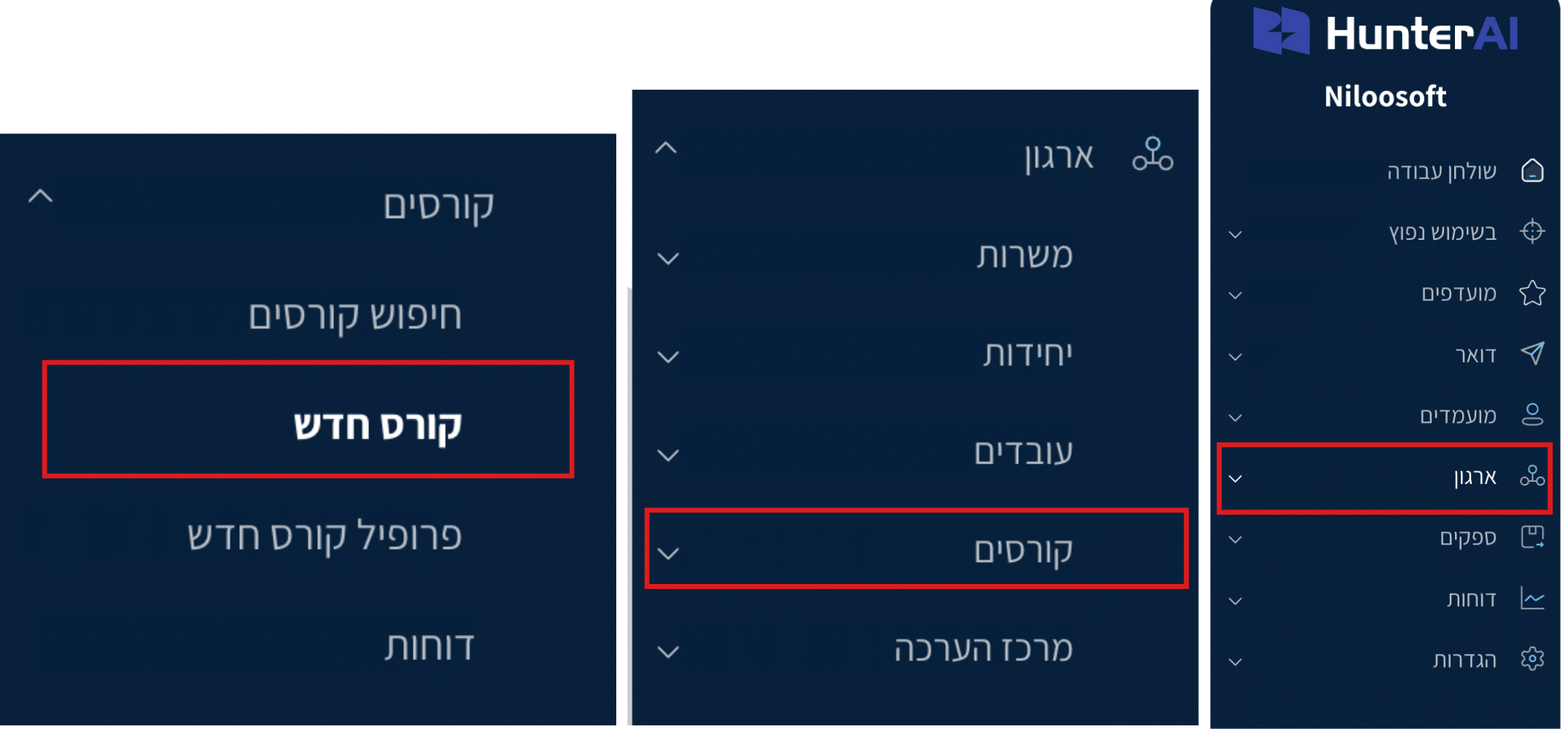
click: Organization -> Courses
In this screen you can:
• Create a new course
• Create a course profile
• Manage training institutions
• Assign courses to employees and candidates
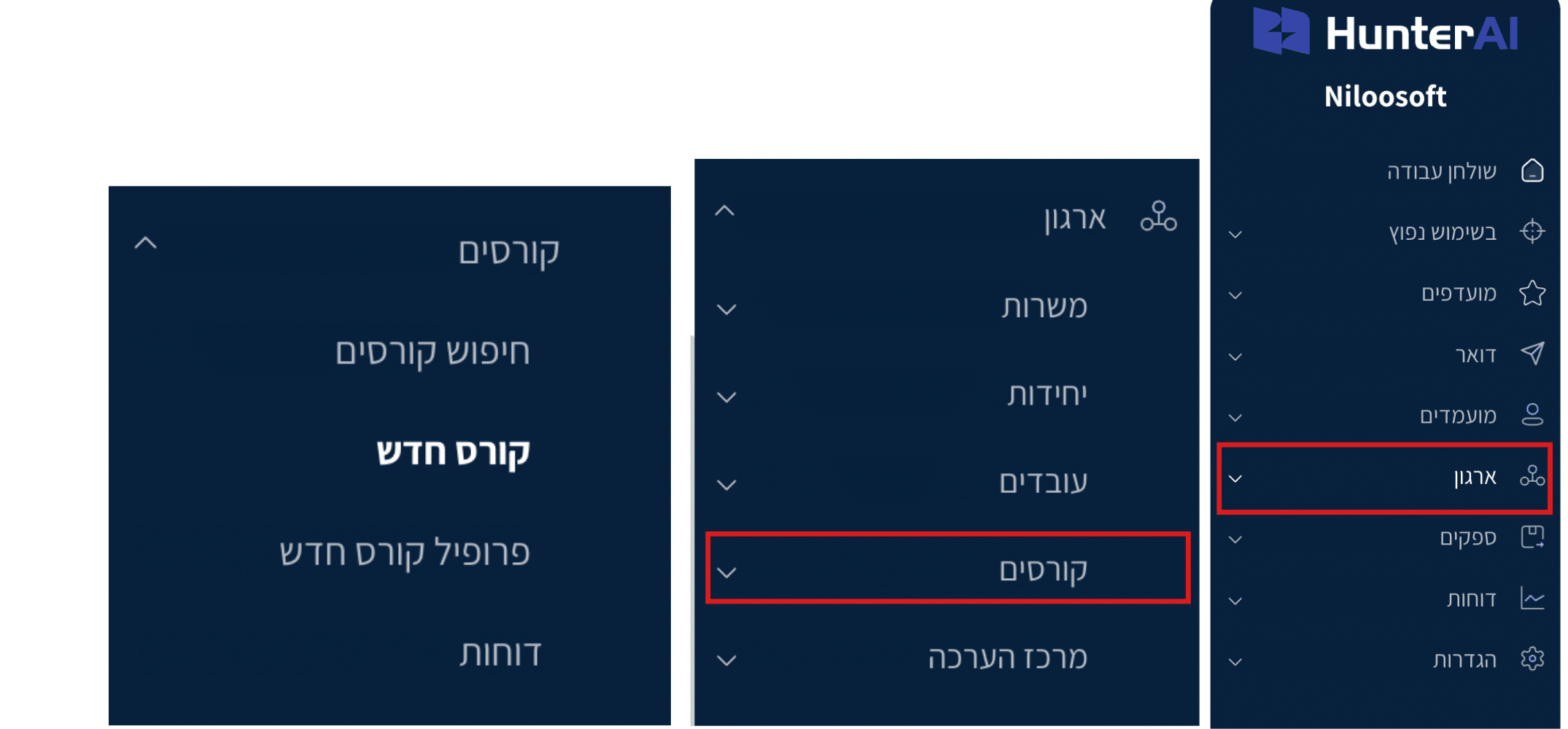
In the main menu of the Hunter AI employee management and recruitment system,
click: Organization – Courses – New Course Profile
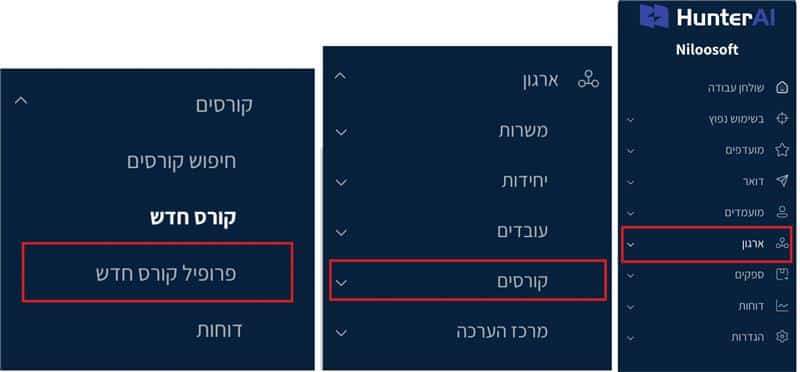
The course profile card includes several tabs for defining the training framework:
Profile Name – The name of the training area (e.g., Safety, Professional Training, Regulation, etc.).
Description – A general explanation of the training purpose and the courses that will be included under the profile.
Requirements – General conditions or prerequisites for training under the profile.
Content – A general overview of the training area and its significance in the organization.
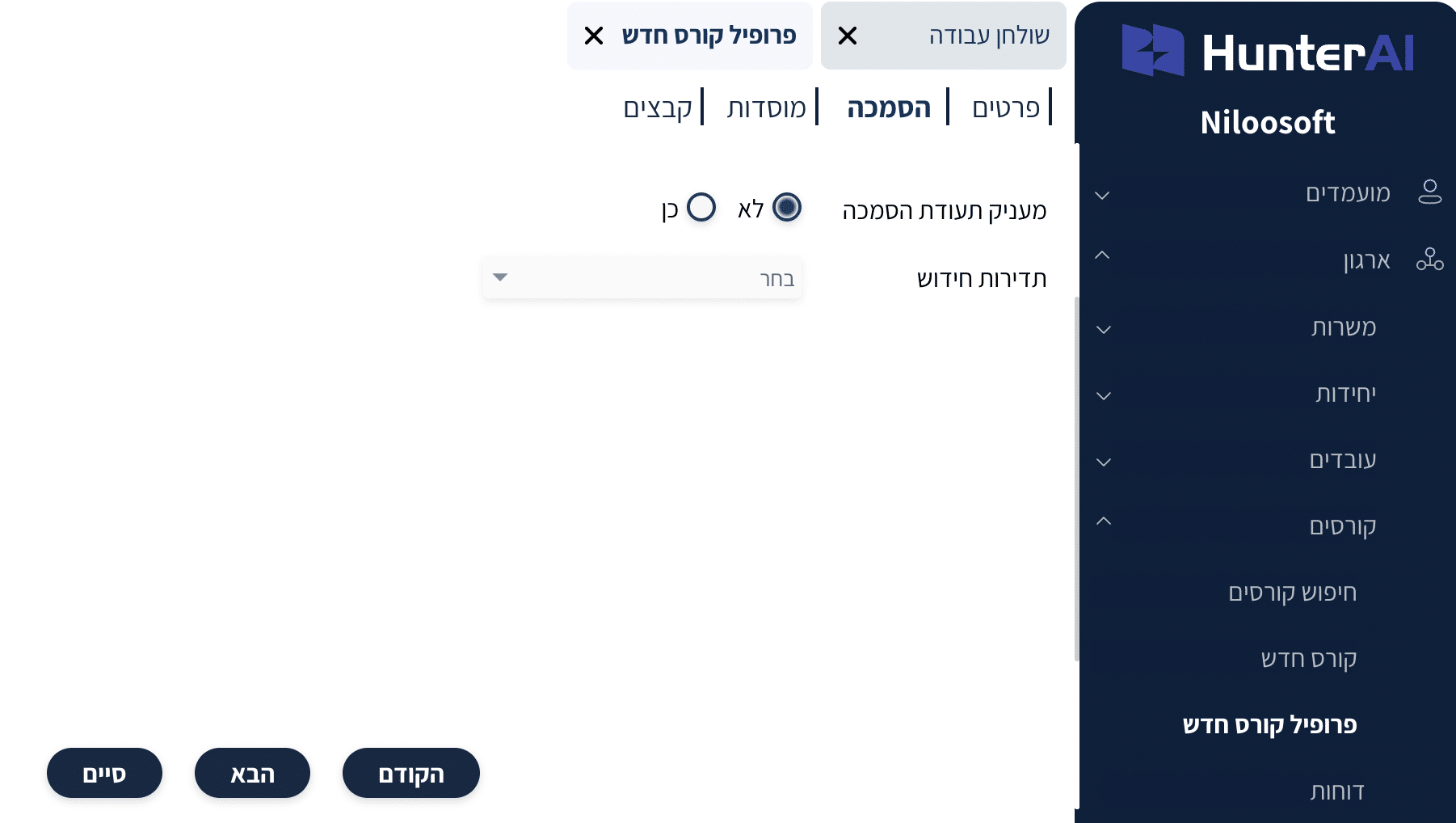
• Grants Certification Certificate (Yes / No) – Define whether the course grants an official certification
• Renewal Frequency – Set the certification renewal frequency if needed (e.g., annual, biennial, etc.)
Note: Only if certification is defined in the course profile will the system allow you to manage certification validity when assigning a course to an employee
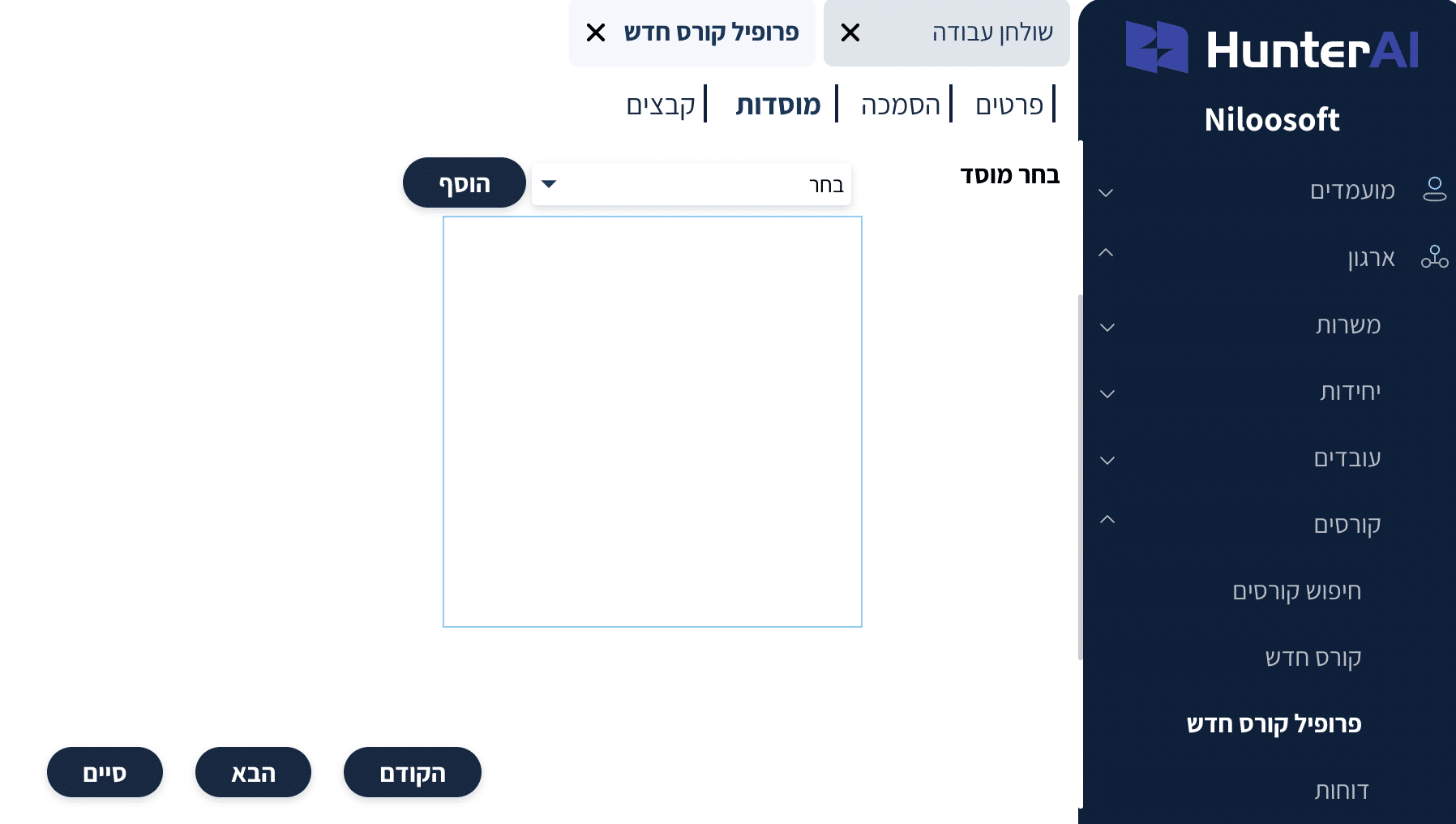
• Select Institution – Assign the training provider / educational institution from the system’s institution list
• Add Institution – Option to add and assign relevant institutions to the training profile for documentation and oversight
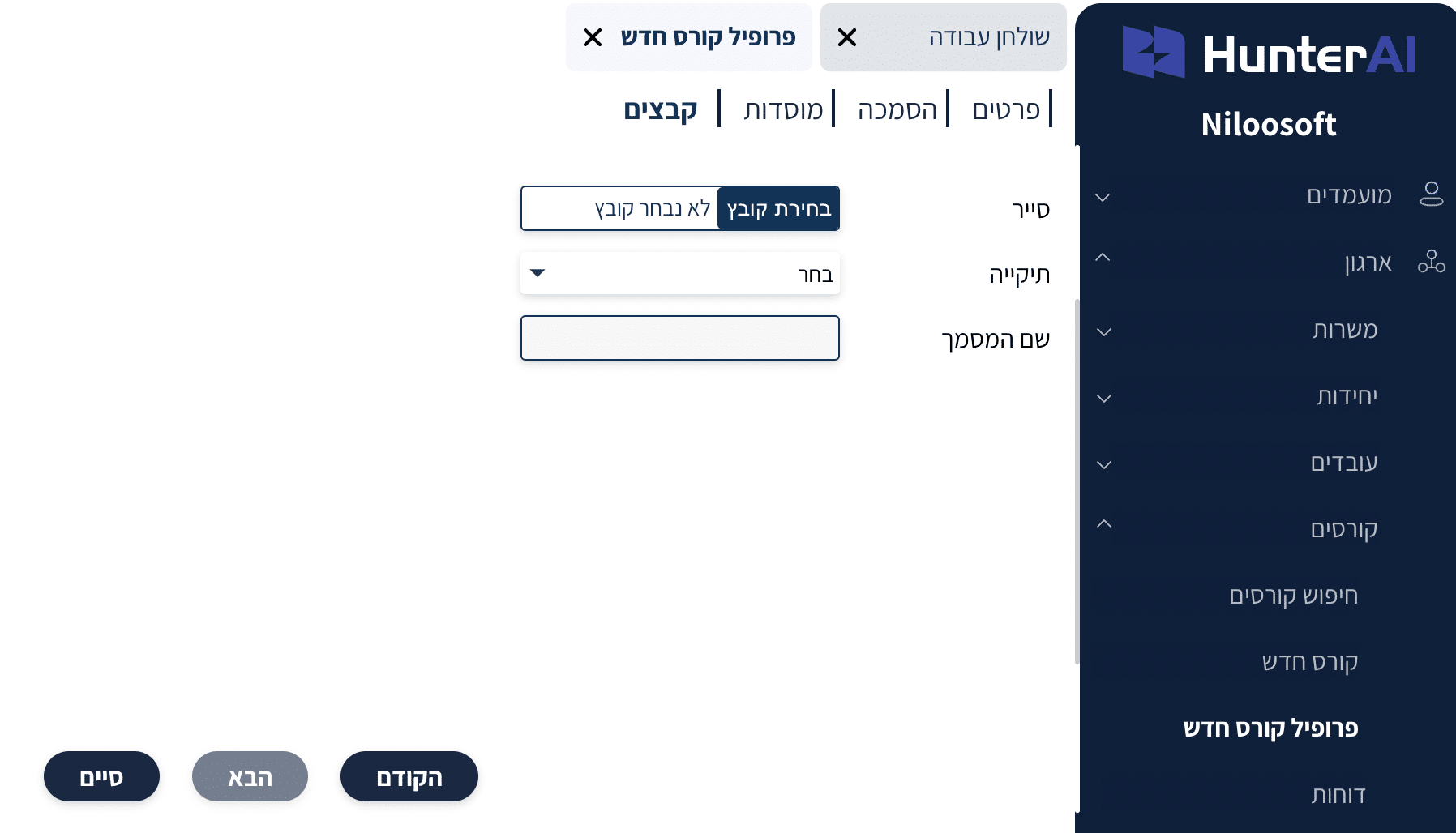
• Add Files – Upload general documents related to the training profile (procedures, syllabus, regulations, training materials, etc.)
• Training Documentation Management – Store all files in one centralized location as part of the course profile card in the system
After creating the course profile, you need to set up the course itself.
In the main menu of the Hunter AI employee management and recruitment system,
click: Organization – Courses – New Course
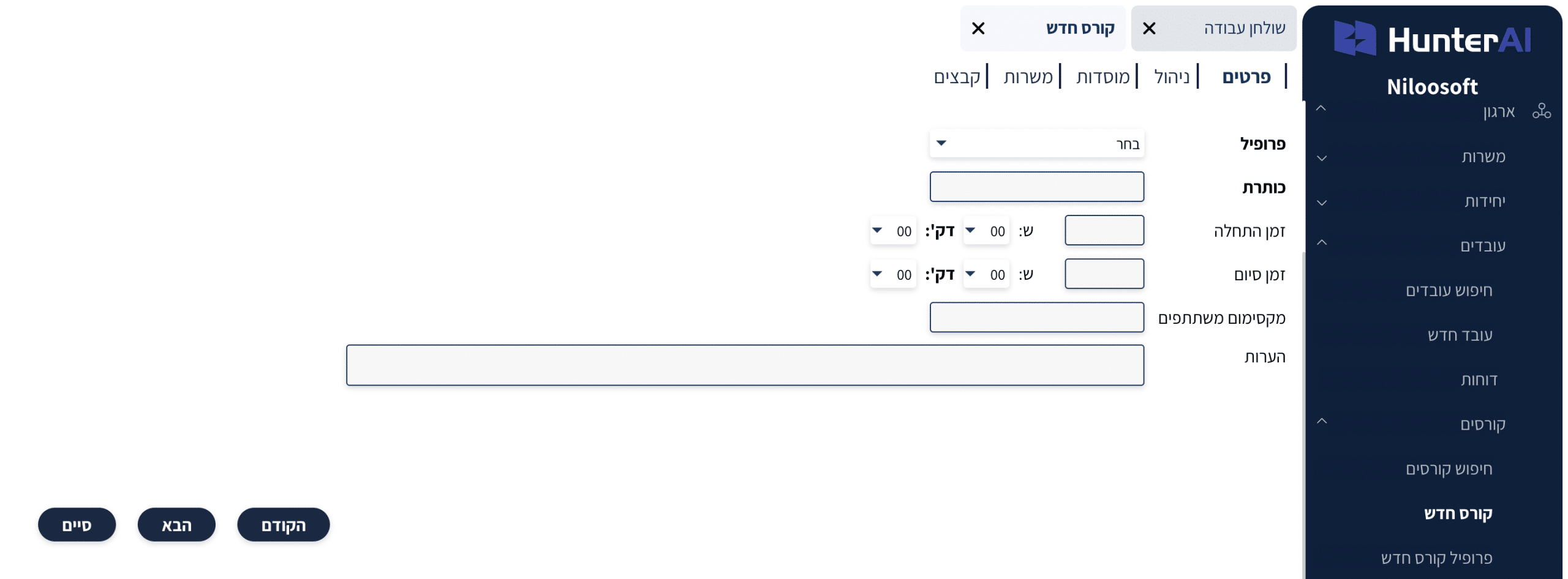
The course card includes several tabs for full training management.
In this tab you define the basic details of the course:
• Profile (assigning the course to a training profile)
• Course Title
• Start time and end time (if relevant)
• Maximum participants
• Notes
These fields allow organized documentation of the training structure and scope within the organization.
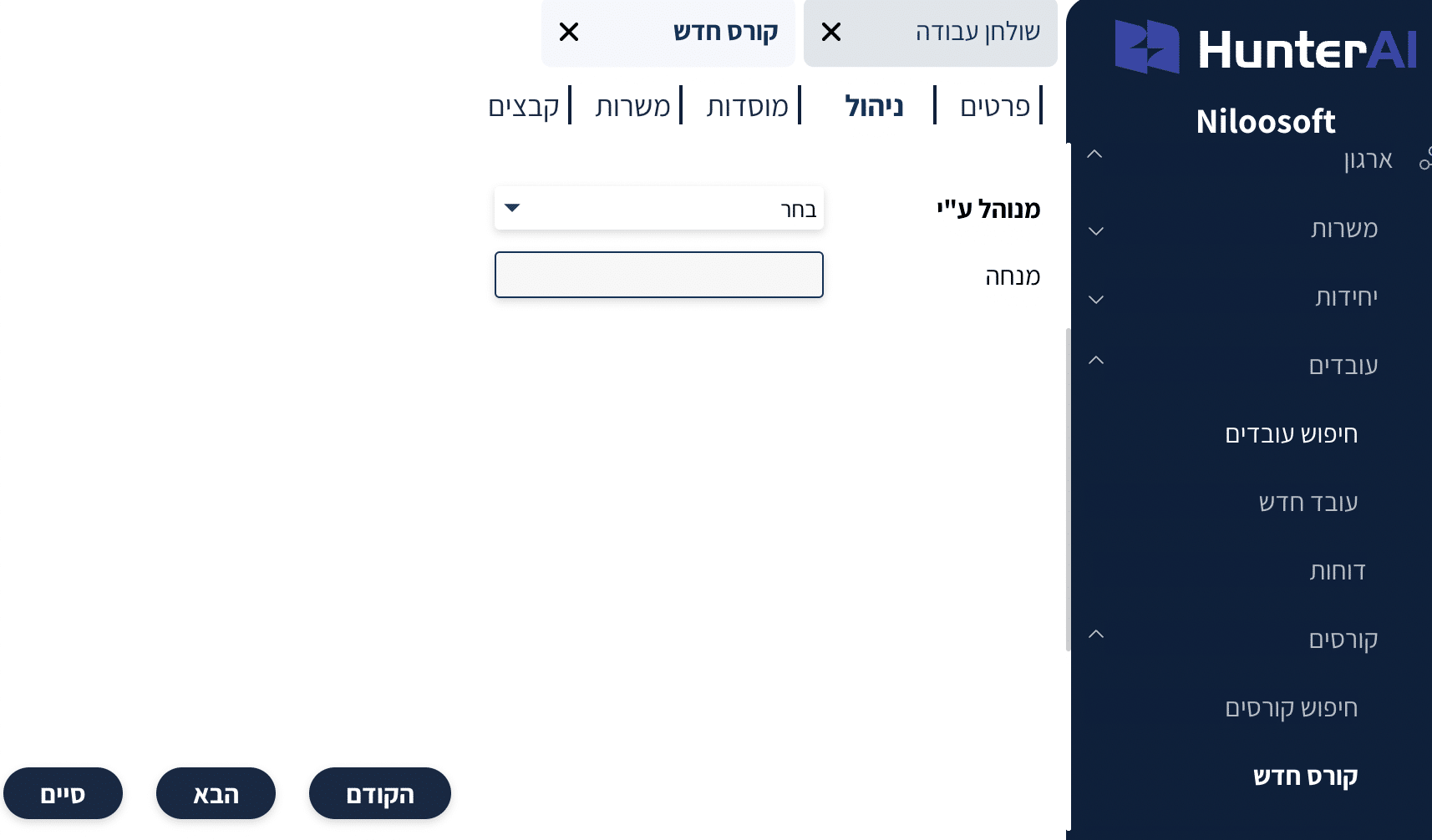
In the management tab you can define:
• Course manager/supervisor
• Managing entity on behalf of the organization
This definition helps with internal tracking and organized management of training over time.
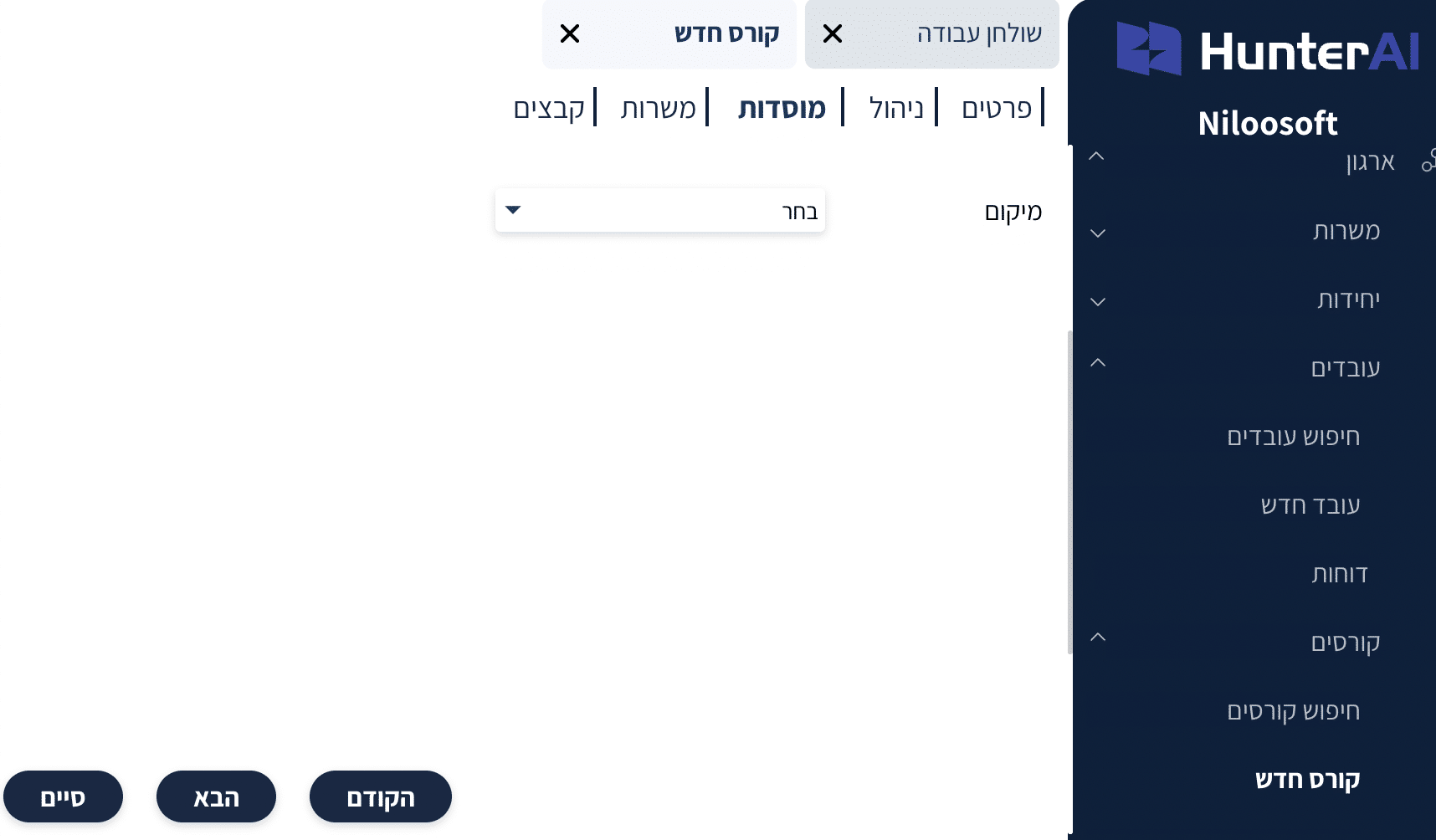
In this tab you can select the training institution that delivers the course, for example:
• External training provider
• College
• Certification body
• In-house training
This keeps a clear record of the training source in the system.
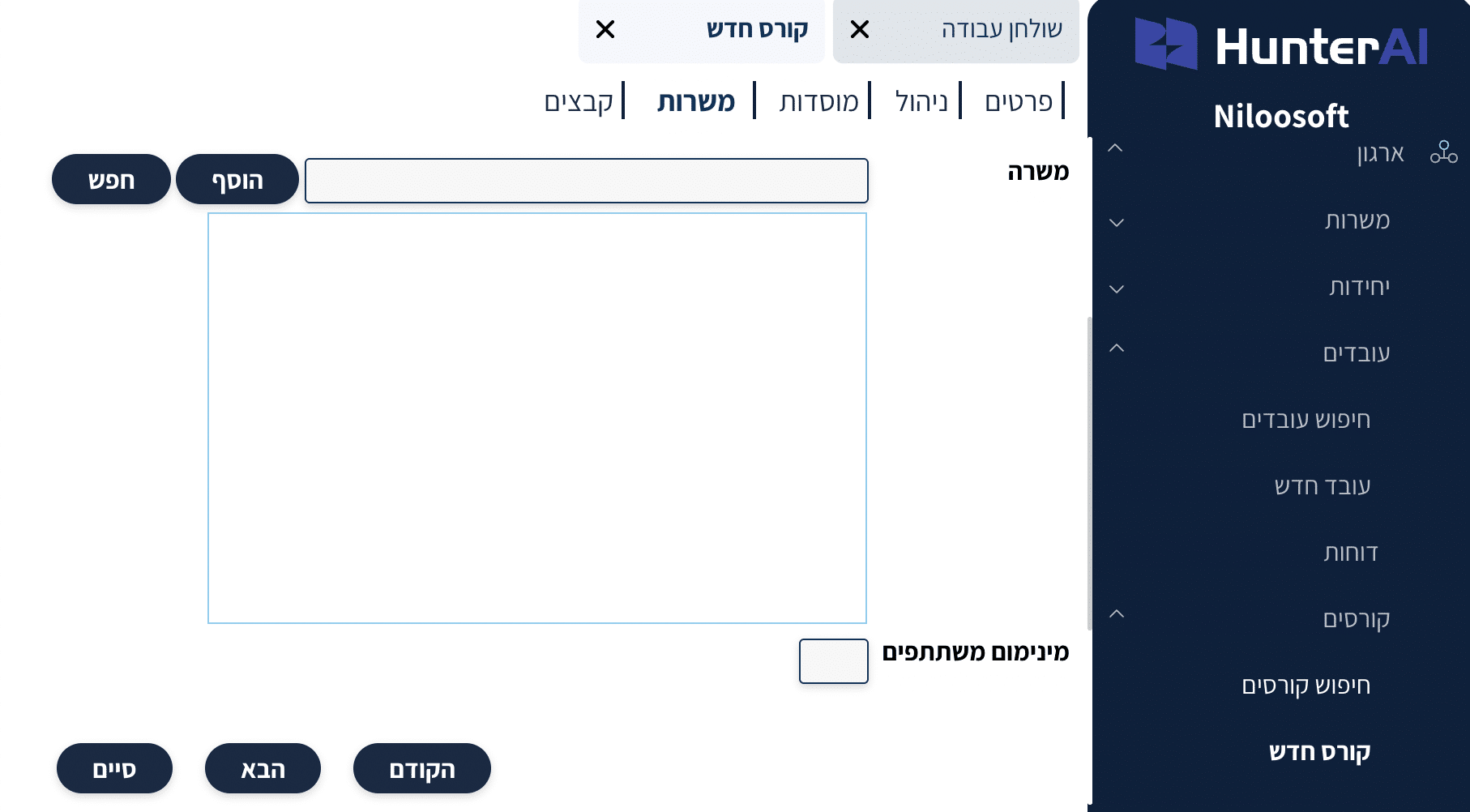
When creating the course, you can assign it to a relevant position, integrating it as part of the recruitment process.
After assigning the position to the course, the system allows you to manage the course at the candidate level as well, so that during the status stages in position assignment, you can assign a candidate to a course as part of the screening or role training process.
In other words, the course is not only assigned to existing employees — it can also be part of the recruitment process itself, where candidates assigned to the relevant position can be assigned to the course according to the process stages and statuses defined for the position.
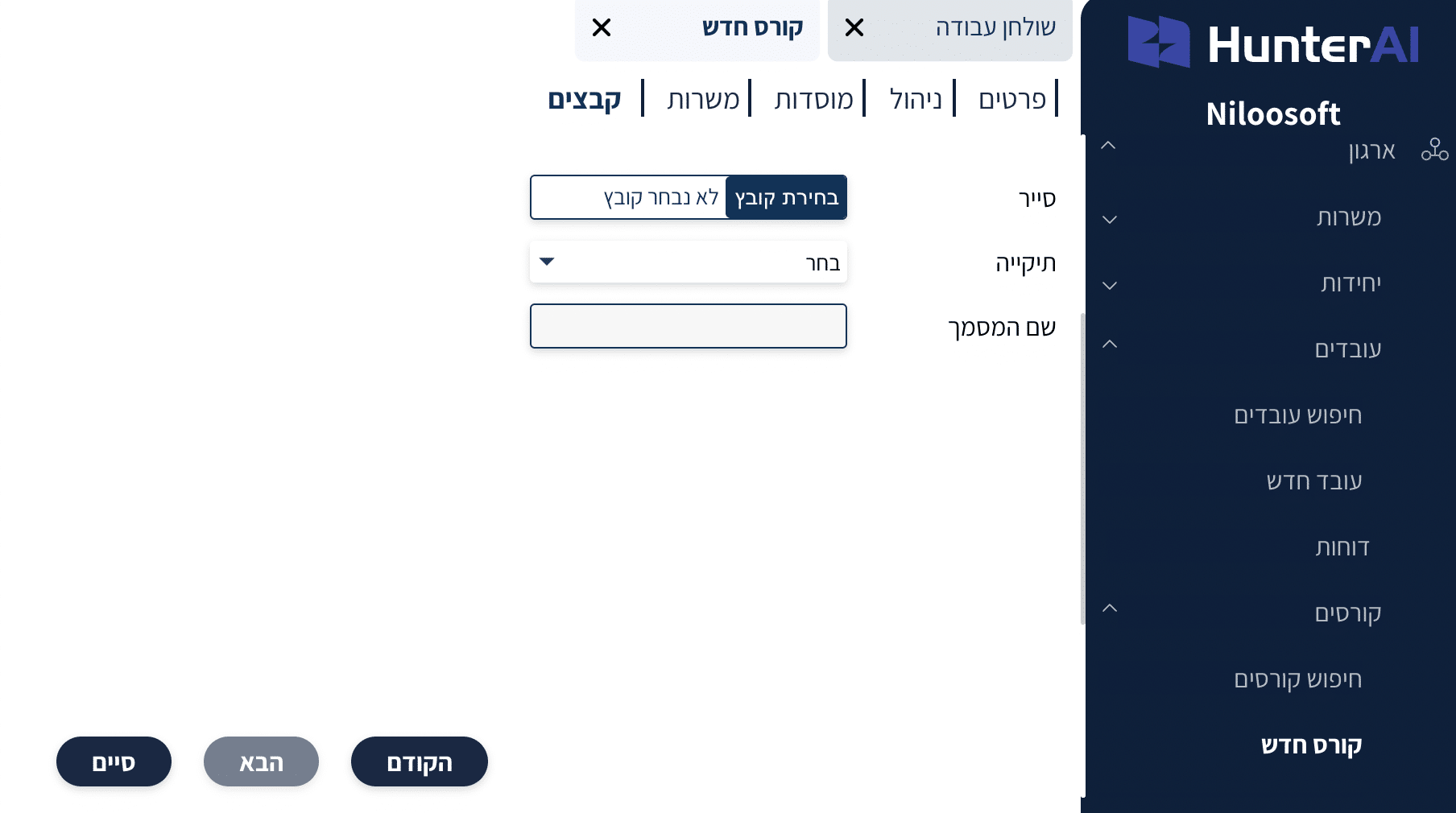
In the files tab you can upload and attach relevant documents to the course, such as:
- Training materials
- Certificates, procedures
- Participation confirmations
- Or any other supporting file related to the training.
Using the “Add Files” option, you can store all documents in one organized place within the course card, so the documentation is saved as part of the training management in the system and is available for viewing when needed by HR teams, managers, and authorized users.
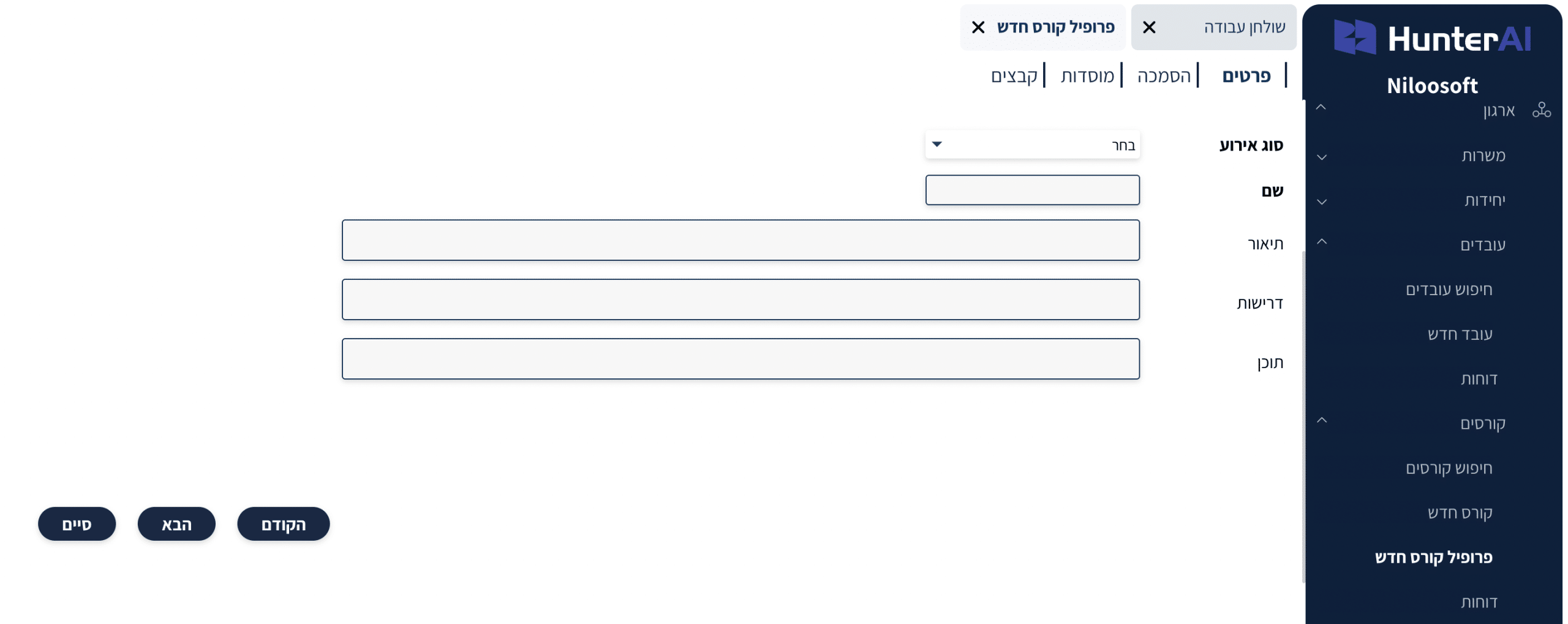
To assign a course to an employee, go to the employee card you want to assign the course to
In the employee card, click the “Courses” tab:
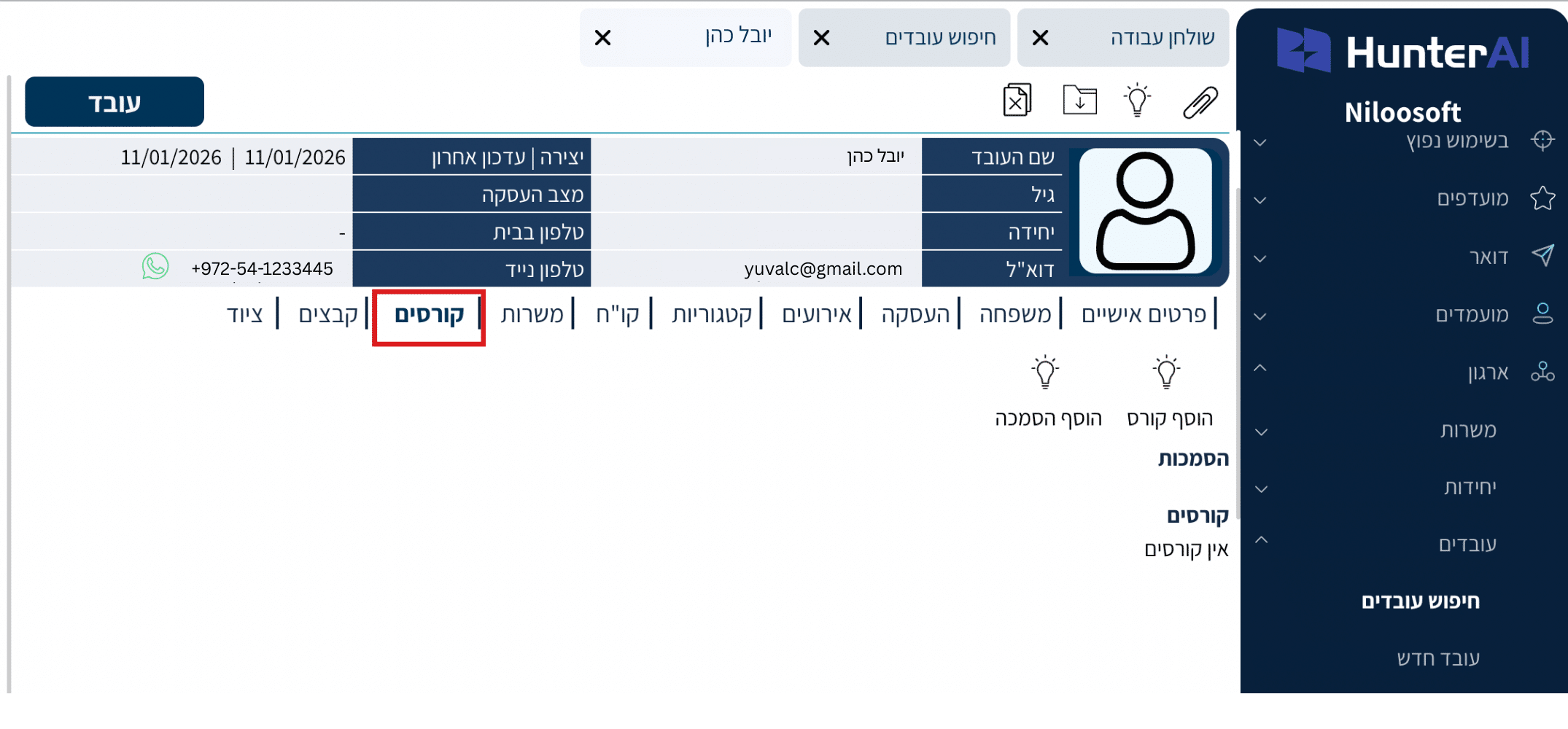
Then click Add Course.
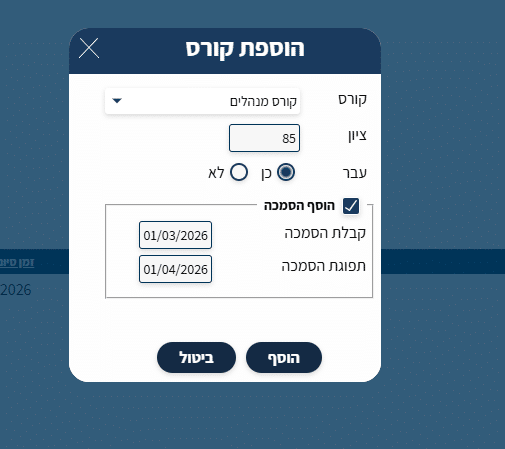
After clicking “Add Course” you can:
• Select the course
• Enter a grade
• Mark whether the employee passed successfully
• Set training status
• Enter certification dates (if relevant)
Note:
Adding a certification and managing certification validity when assigning a course to an employee will only be possible if certification was defined in the course profile in advance.
If certification was not defined in the course profile, the system will allow course assignment to the employee, but without the option to manage certification validity.
When a course is assigned to a profile that grants certification, a certification badge will be created in the employee card displaying:
• Certification issue date
• Certification expiry date
• Certification status (Active / Expired)
The system provides clear indicators for certification renewal, so you can know at any moment:
which certifications are active, which are about to expire, and which require renewal.