


In the recruitment system, the use of value lists is critical for the ongoing management of data. These lists serve to organize information efficiently and systematically, allowing users to select predefined values wherever required. Through these lists, you can ensure that data entering the system conforms to pre-established parameters, which leads to improved data quality and a reduction in potential errors.
One of the key advantages of these lists is the ability to edit the values as needed. This flexibility allows the system to evolve and adapt to organizational changes. Editing and updating lists keeps the system dynamic and relevant over time, while precisely addressing the changing needs of users.
In Niloosoft’s recruitment system, there are several fields that make up an entity in the system, some of which include value lists for selection, tailored to the relevant entity. Each list has fixed values that can be edited, and that is what we will cover in this article. For example, the “Vendor” entity has a field called “Type” which contains a value list:
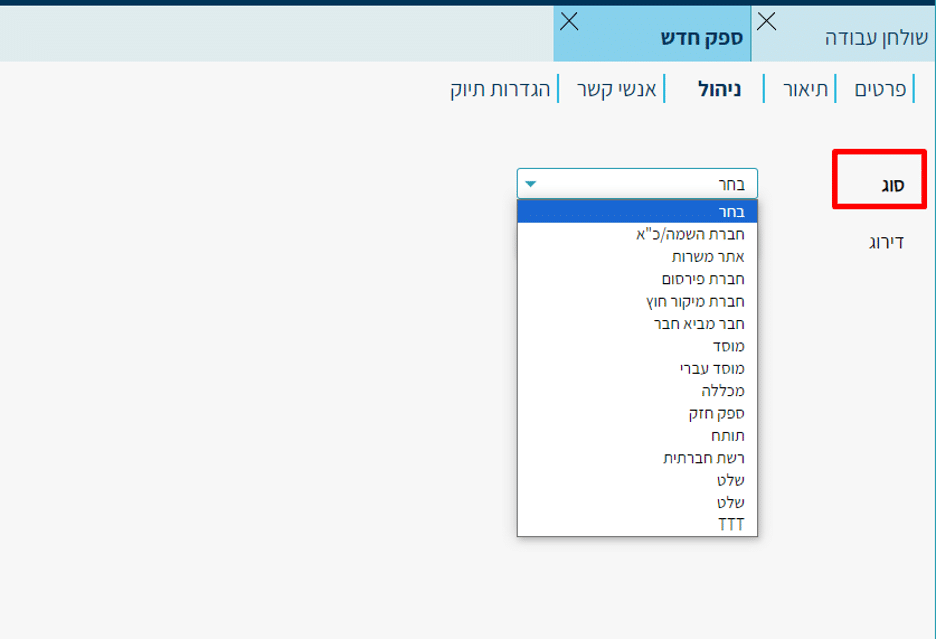
Accessing the Dedicated Field:
Via the top menu: Settings > Lists > Lists.
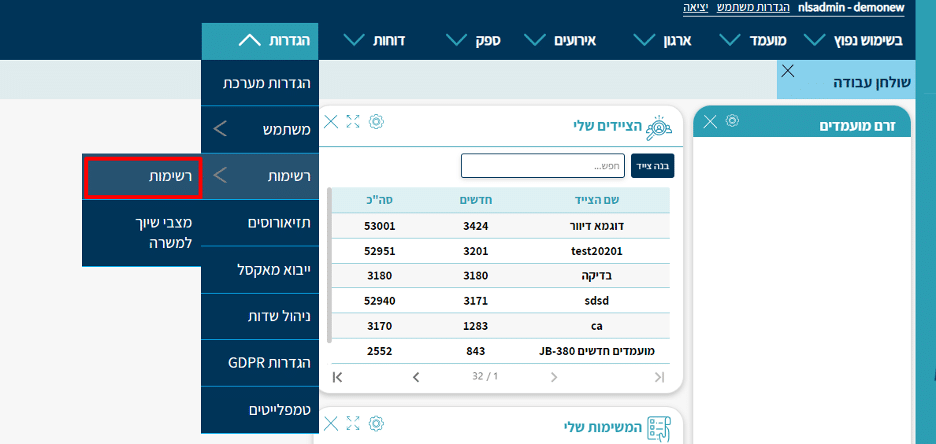
Selecting the Entity:
Select the entity you want to edit (for example, “Candidate” or “Vendor”). Each entity contains its own lists and values, tailored to the system type (organization or placement company).
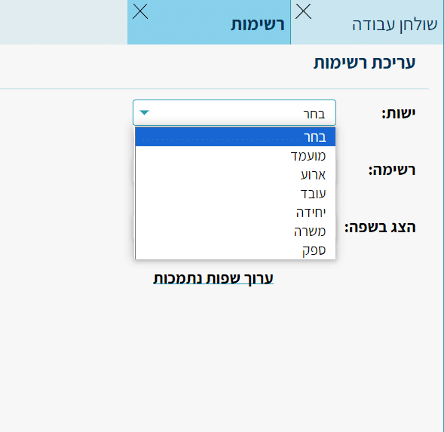
Selecting a List:
After selecting the entity, all editable lists within that entity will appear. For example, in the “Candidate” entity, the lists belonging to the candidate card will be displayed.
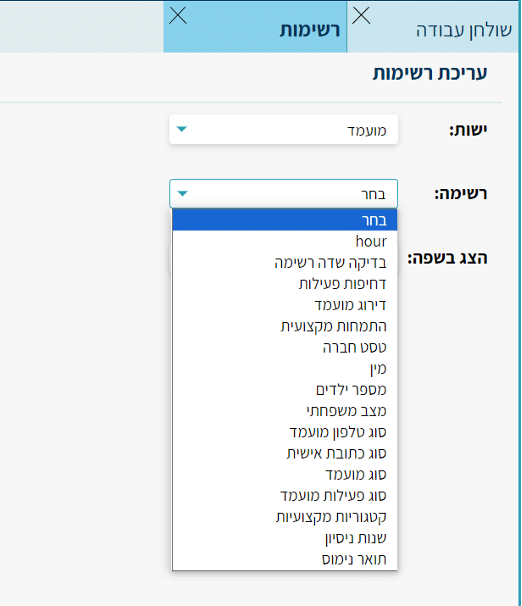
Selecting a Language:
Select the desired language to view the values in that language, as defined in the system.
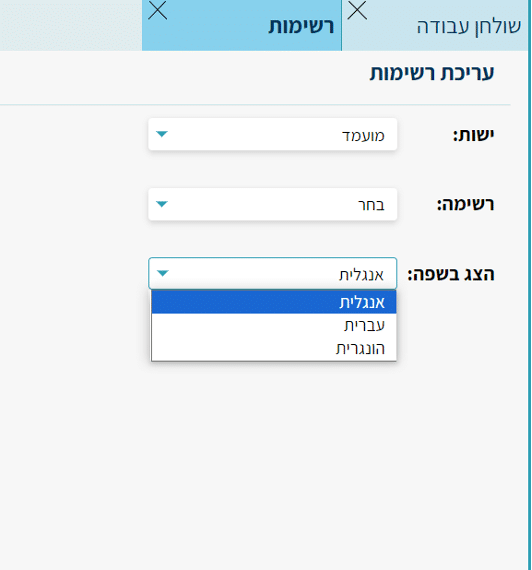
You can add or remove languages, where the change will apply at the system-wide level and will affect all users.
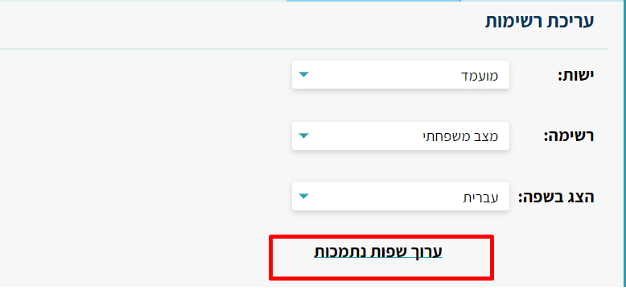
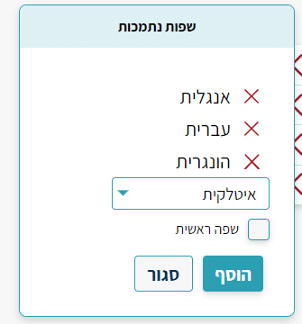
Editing the List:
After selecting the list and desired language, the list will open and you can perform several actions:
Edit:
Click the pencil icon next to the value you want to edit
Please note — you can only edit values that are not default values.
Delete:
Delete a value by clicking the red X icon next to it
Please note that deleting a value will also delete the data that was previously updated on an entity if that value was assigned to it.
Reorder Display:
You can change the order of values within the list using the arrows icon
This allows you to set the display order of values on the entity card.
Adding a New Value:
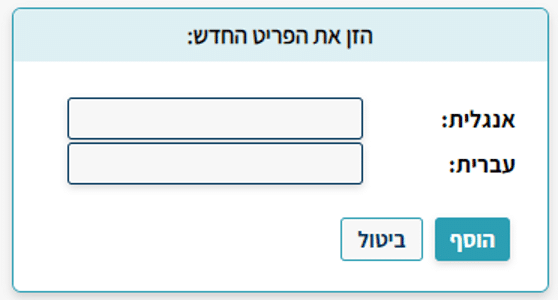
At the bottom of the list, click the add button. Fill in the values in all existing languages
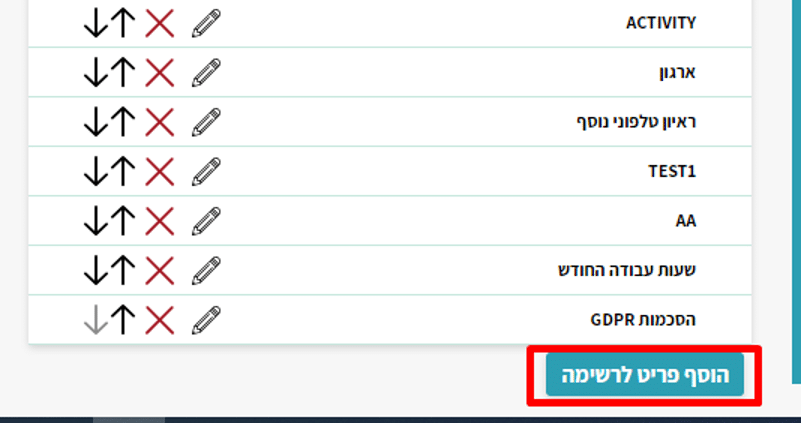
and click “Add” to add the value to the list