
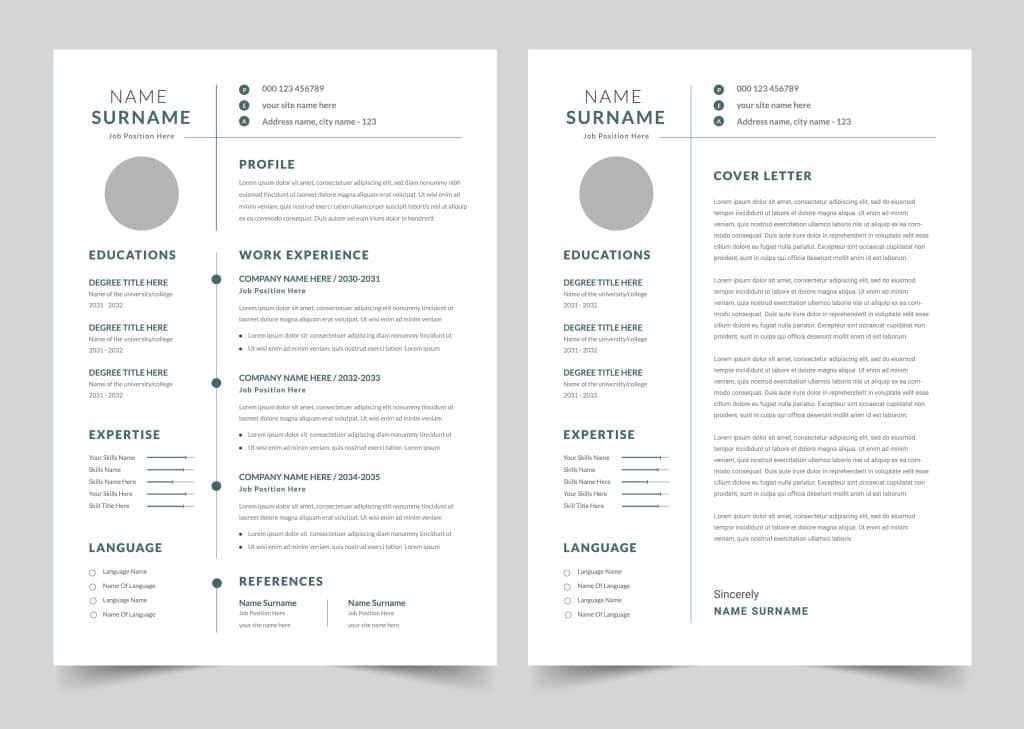
How Can You Edit Resumes in the Hunter AI Recruitment System via Google Drive?

How Can You Edit Resumes in the Hunter AI Recruitment System via Google Drive?

During the recruitment process, you may want to make adjustments to a candidate’s resume file — for example:

  • Removing irrelevant details.
  • Adding the recruiter’s or interviewer’s feedback.
  • Highlighting relevant experience.
  • Adapting the design to the company’s branding.

In the Hunter AI recruitment system, you can easily edit a candidate’s resume file using Google Drive, without changing the original file — and save a new, updated copy in the system.

This article is primarily intended for staffing agencies, placement companies, and headhunters who want to improve how candidates are presented to employers — through a well-organized, branded, and personalized document.

Accessing the Candidate Card and Selecting the Appropriate Status

To start the editing process:

  1. Go to the candidate card or the job card:
    • From the job card -> the “Candidates” tab
    • From the candidate card -> the “Jobs” tab
  2. Select the desired match.
  3. Move to the “Invited to Interview” or “CV Sent” status — these statuses allow sending a resume file.
  4. Click the Edit via Google Drive button (see the image below — red square).

Opening the File for Editing via Google Drive

A panel will open asking you to authorize access to your Google account. Click Continue and approve the request.

File Structure and Resume Editing

The file will open for direct editing on-screen, and you can customize your own template that includes:

  • Your company logo
  • A custom design header
  • A layout adapted to your branding preferences
  • Removing irrelevant details such as: ID number, phone number, address, and more.

You can reuse the template you created in the future as you see fit.

In addition, if a review / resume summary was previously entered on the candidate card, you can pull it automatically directly into the Google Drive file.

Adding a Review / Summary to the Edited Resume File

In Hunter AI, you can include a professional review or resume summary in the edited file produced for the client or hiring manager.
The information is pulled automatically directly into the file edited via Google Drive and is designed to provide a focused view of the candidate’s fit — before reading the full file.

There are two main ways to do this:

  1. When updating the candidate’s status to “CV Sent,” a dedicated field will appear below called
    “Review / CV Summary”.

2. You can enter free text describing your impression of the candidate, relevant strengths, fit for the role, and more. This content will be pulled automatically to the top of the edited file you created in Google Drive — with no manual copying required.

For example, the resume before editing:

After editing (you can see the differences between the images):

When you finish editing, click Save and Close in the upper right corner.

Note — if you choose to check the Delete in Google Drive option, the edited copy will not be saved in your personal Drive account, only in the system.

Selecting the Edited File for Sending from the System

After saving the updated file, a new version will appear in the system under the name Edit – Send as Template.
Select this file in the Attach to Invitation field, ensuring the candidate is sent with the most up-to-date and relevant file.


Summary

Using the Hunter AI recruitment system, you can easily and conveniently edit resumes directly from Google Drive — while preserving the original and creating an updated copy in the system.
This process streamlines the recruitment workflow, saves time, and improves the experience of presenting candidates to hiring decision-makers.

Picture of Niloosoft Ltd.            Ask ChatGPT

Niloosoft Ltd. Ask ChatGPT

Niloosoft is a leading provider of an advanced system for managing and tracking the employee recruitment and human resources process.


Niloosoft offers its clients solutions in the fields of human resources management, recruitment process management, and customer relationship management (CRM). Our solutions are suitable for freelancers as well as HR departments in companies that recruit personnel for their own needs and manage the recruitment process with the organization’s managers through a single platform.

נילוסופט מובילה את מהפכת גיוס העובדים עם המערכת המתקדמת בעולם לניהול תהליך גיוס עובדים ומשאבי אנוש

השאירו פרטים ונדבר